Who this is for
Endpoint and Device Management is for organisations that need better control over laptops, desktops and user devices. It suits teams with mixed working patterns, inconsistent device setup, unclear patching, limited inventory visibility, or endpoint tools that are in place but not fully operationalised.
The service is especially useful for organisations already using Microsoft 365 that want device management to support everyday IT, security and user onboarding rather than sitting as a separate technical project.
Typical pain points
- Devices are built manually and vary from user to user.
- IT cannot easily see which devices are active, compliant or missing updates.
- Support is harder because devices are not standardised.
- New starter device setup takes too long.
- Leaver device return and data protection processes are unclear.
- Endpoint tooling is in place, but policies are incomplete or hard to maintain.
- Security expectations are increasing, but endpoint controls are uneven.
What is included
Endpoint work is scoped around your devices, tools and risk profile. It may include:
- Device inventory and current management review.
- Windows endpoint standards and baseline recommendations.
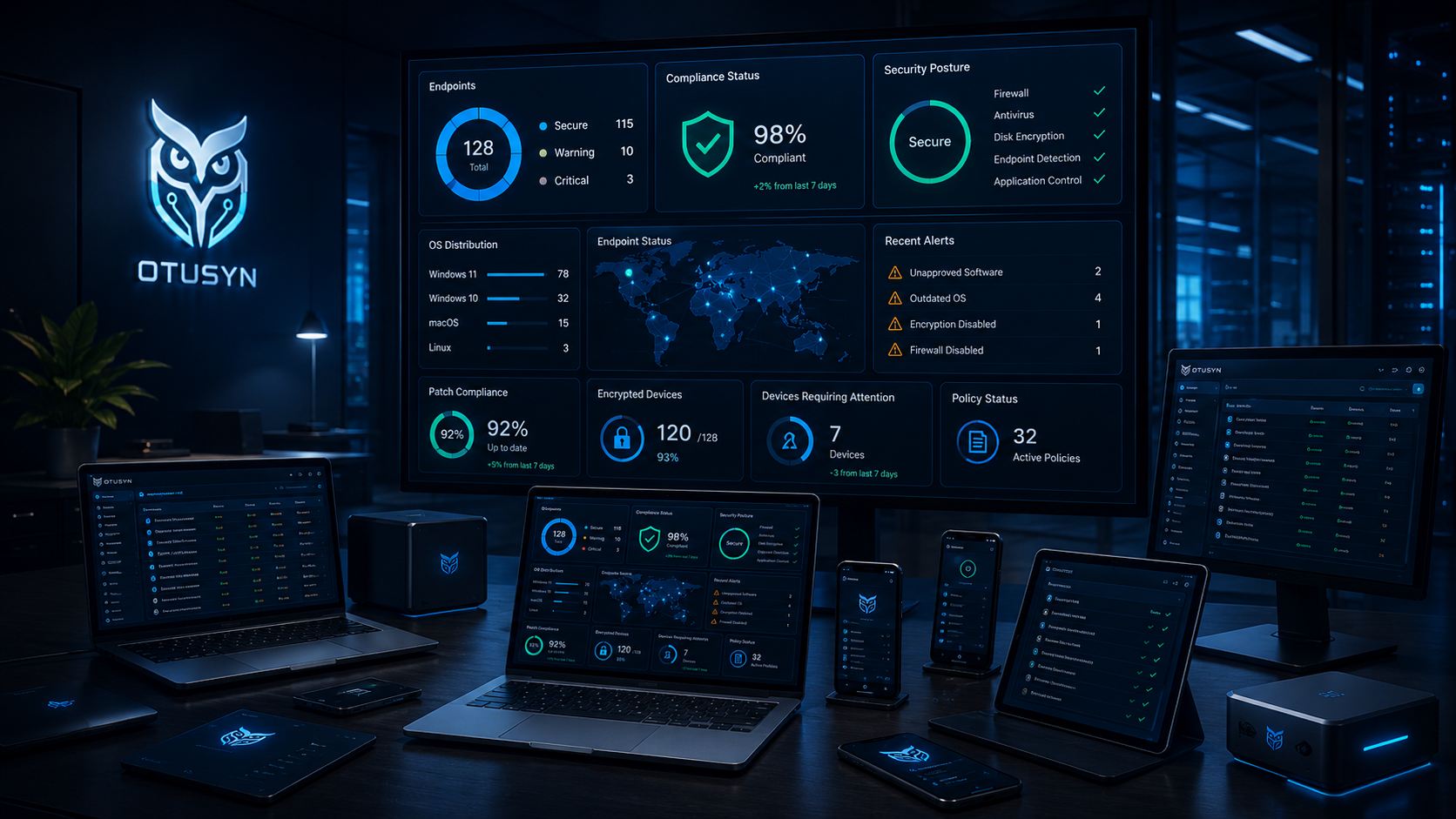
- Endpoint tooling support, including Microsoft Intune where appropriate, for enrolment, configuration and compliance policies.
- Device onboarding and new starter process improvement.
- Patch and update visibility review.
- Support for device naming, ownership and lifecycle records.
- Practical alignment with Microsoft 365 identity and access controls.
- Documentation for common endpoint support tasks.
Endpoint management often works best alongside Microsoft 365 Support and Administration and Cybersecurity Essentials, because device standards, identity settings and security expectations are closely linked.
What is not included
This service does not automatically include hardware procurement, full estate replacement, advanced security monitoring, mobile app development, complex legacy application packaging or formal compliance certification. These can be discussed separately where needed.
It also does not assume every organisation needs a complex endpoint architecture. The right approach depends on the number of devices, user working patterns, support capacity and risk profile.
Outcomes and measurable indicators
- More accurate view of managed and unmanaged devices.
- Clearer standards for device setup and support.
- Improved onboarding and leaver device handling.
- Better visibility of update and compliance status where tooling allows.
- Reduced variation between user devices.
- Clearer link between device controls and security priorities.
Engagement model
OTUSYN begins by reviewing the current device estate, management tools, Microsoft 365 identity setup, support model and common endpoint issues. If device records are poor, the first stage may focus on visibility and standards rather than immediate policy changes.
For ongoing environments, endpoint work can sit inside Managed IT Support. For organisations with unclear device posture, an IT Current-State Assessment may be the safest first step before changing controls.
Practical device standards to define
Endpoint management works best when the organisation agrees what a normal device should look like. That includes naming, ownership, operating system expectations, update behaviour, encryption, local admin rights, core applications, security tooling and what happens when a device is lost, returned or replaced.
These standards do not need to be over-engineered. A small organisation may start with a simple build checklist and an accurate device list. A larger or more distributed team may need Intune enrolment, compliance policies and clearer reporting. The value comes from consistency.
Device lifecycle is part of the same conversation. Organisations should know how new devices are requested, how builds are approved, what happens to returned equipment and when ageing hardware becomes a business risk.
Endpoint work should be introduced carefully because policy changes can affect real users quickly. A device compliance rule, encryption requirement or application deployment may be technically sensible but still needs communication, testing and a fallback route.
Frequently asked questions
Do we need Microsoft Intune for endpoint management?
Not always, but Intune is often a strong fit for organisations already using Microsoft 365. OTUSYN can review your current tools and recommend a practical approach.
Can OTUSYN help standardise existing devices?
Yes. Existing devices can be reviewed, documented and brought closer to agreed standards where technically and commercially sensible.
Does endpoint management include cybersecurity?
It supports cybersecurity by improving device visibility, configuration and update practices. Broader security controls are handled through the Cybersecurity Essentials service.
Can you help with new starter device setup?
Yes. Device build, onboarding and handover processes can be documented and improved as part of endpoint management or managed IT support.
Improve device control
If devices are hard to track, support or secure, book a readiness call. OTUSYN will help you decide whether to start with endpoint review, Intune support or wider managed IT support.
Scope clarity
Delivery is focused on practical improvements, clear ownership and measurable risk reduction.
Advanced specialist services and significant engineering requirements are separately scoped and agreed where relevant.
Microsoft 365, Google Workspace and Microsoft Intune are used where appropriate as part of broader managed IT and consultancy support.