Ad hoc IT support can work well when a business is small.
Many organisations begin with an internal employee who helps with technical issues, a trusted freelance IT technician, or an informal arrangement with a local support provider. In the early stages, this can feel flexible and cost-effective.
However, as the business grows, technology becomes more important to daily operations.
More employees need support. More laptops and mobile devices need managing. Microsoft 365, Google Workspace, cloud storage, cybersecurity tools and business applications all need regular attention.
At that point, relying on informal IT support can create risk.
Support requests may arrive through Teams messages, WhatsApp, phone calls, emails and conversations in the office. Important issues can be missed, repeated problems may not be fixed properly, and no one may have a complete view of the technology environment.
Managed IT services provide a more structured approach.
Instead of reacting to each issue as it appears, businesses can introduce clearer support routes, defined ownership, proactive maintenance and regular service reviews.
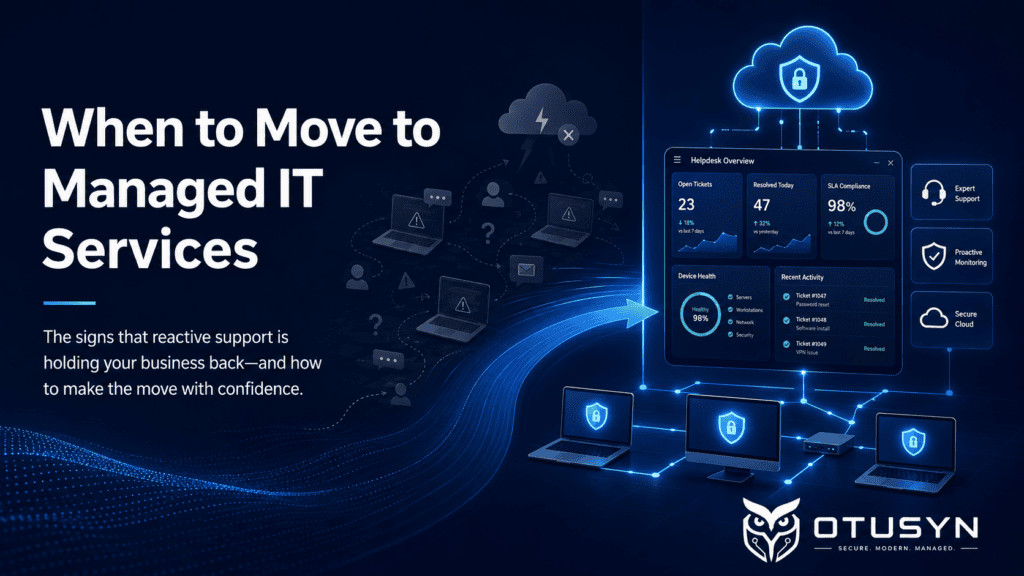
Signs Your Business Has Outgrown Ad Hoc IT Support
There is no single moment when every business needs managed IT services.
However, there are common warning signs that show your current support model may no longer be enough.
Support Requests Arrive Through Too Many Channels
When employees report IT issues through email, Teams, WhatsApp, phone calls or direct messages, support becomes difficult to manage.
Requests can be missed, duplicated or delayed. It also becomes harder to understand how many issues are being raised, which systems are causing problems and whether users are receiving support quickly enough.
A managed IT service usually introduces a central support route, such as a helpdesk or service desk.
This gives employees a clear way to report issues and gives the business better visibility of support activity.
Repeated IT Issues Keep Returning
Repeated laptop issues, password problems, email disruptions, Wi-Fi complaints or access requests can be a sign that the business is treating symptoms instead of fixing root causes.
For example, a user may repeatedly experience problems with a device because it is outdated, unmanaged or missing security updates. A recurring email issue may be caused by unclear mailbox permissions, weak configuration or poor ownership.
Managed IT services should not only respond to individual issues.
They should also identify patterns, improve configurations and reduce recurring problems over time.
IT Knowledge Depends on One Person
Many growing businesses rely heavily on one internal employee, external contractor or trusted technician.
That person may understand how systems are configured, where important files are stored, how user accounts are managed and which suppliers support key applications.
This creates a dependency risk.
If that person is unavailable, leaves the business or becomes overloaded, IT support can quickly become inconsistent.
Managed IT services help reduce this dependency by introducing documented processes, shared responsibility and clearer ownership across key technology areas.
Leaders Need Better Visibility of IT Performance
As technology becomes more important to the business, leadership teams often need clearer answers.
For example:
- How many IT issues are being raised each month?
- Which systems are causing the most disruption?
- Are employees receiving support quickly enough?
- Are devices secure and updated?
- Are backups working correctly?
- Are user accounts reviewed regularly?
- What technology risks should be addressed first?
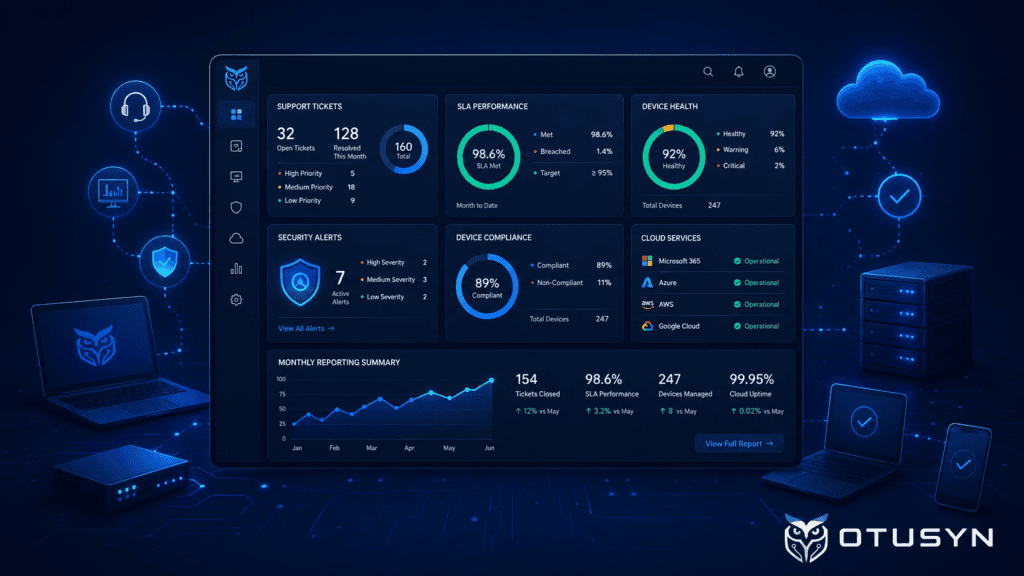
A managed IT service can provide service reports, regular reviews and practical recommendations.
This helps business leaders make better decisions instead of only hearing about IT when something goes wrong.
What Changes With Managed IT Services?
Moving to managed IT services does not mean handing over every technology decision.
It means creating a clearer structure around day-to-day support, maintenance, security and service ownership.
A well-defined managed IT service can provide:
- A central route for IT support requests
- Defined support hours and escalation paths
- Clear ownership of core IT services
- Device monitoring, patching and endpoint protection
- Microsoft 365 or Google Workspace administration
- User onboarding and offboarding support
- Backup monitoring and recovery planning
- Cybersecurity checks and security recommendations
- Regular service reporting and review meetings
- Clear separation between support work and larger IT projects
The goal is to make technology more consistent, secure and manageable.
Instead of relying on informal support arrangements, the business gains a more reliable operating model.
Managed IT Services Help Reduce Reactive Support
Reactive support usually focuses on the immediate problem.
A laptop stops working. A user cannot access email. A password needs resetting. A shared folder disappears. A printer is offline.
These issues still need to be resolved quickly.
However, a managed IT service also looks beyond the immediate issue.
It asks questions such as:
- Why did this problem happen?
- Has it happened before?
- Are other users affected?
- Can a policy, configuration or process prevent it from happening again?
- Does this reveal a wider security or operational risk?
This is where managed services can create long-term value.
The focus shifts from simply fixing issues to improving the technology environment over time.

How to Transition from Ad Hoc IT Support Safely
A move to managed IT services should begin with a clear understanding of the current environment.
Before changing providers, processes or support arrangements, the business should understand what technology is in place and who is responsible for it.
This should include:
- User accounts and administrator access
- Laptops, desktops, tablets and mobile devices
- Microsoft 365, Google Workspace and cloud services
- Email security and multi-factor authentication
- Shared files and collaboration platforms
- Backup systems and recovery processes
- Business applications and supplier agreements
- Network equipment, Wi-Fi and internet connections
- Existing IT support contracts and responsibilities
Define the Support Scope Clearly
The support scope should be written in plain language.
Everyone should understand what is included in the managed service and what is excluded.
For example, routine password resets, user onboarding, laptop support and Microsoft 365 administration may be included in normal support.
Larger activities, such as a Microsoft 365 migration, office move, laptop refresh project or cybersecurity remediation programme, may need to be managed separately as project work.
Clear scope reduces confusion and helps avoid unexpected costs.
Separate Business-as-Usual Support from IT Projects
Business-as-usual support includes routine work such as:
- User access requests
- Device troubleshooting
- Password resets
- Email support
- Software issues
- Printer and connectivity problems
- User onboarding and offboarding
Project work includes larger planned improvements such as:
- Moving to Microsoft 365 or Google Workspace
- Deploying Intune or endpoint management
- Replacing laptops
- Improving backup and recovery
- Implementing multi-factor authentication
- Migrating files to SharePoint
- Improving cybersecurity controls
Keeping these areas separate helps ensure urgent support work does not prevent important improvement work from happening.
Set Practical Service Expectations
Managed IT services should include realistic expectations around:
- Support hours
- Response targets
- Escalation routes
- Communication methods
- Priority levels
- Incident updates
- Service review meetings
The aim is not to promise instant resolution for every issue.
The aim is to ensure that urgent issues are prioritised properly, communication is clear and support performance can be reviewed.
Align Security and Continuity Responsibilities
A managed IT service should clearly define who is responsible for key operational and security areas.
This may include:
- Multi-factor authentication and identity management
- Device encryption and software updates
- Antivirus and endpoint protection
- Microsoft 365 or Google Workspace administration
- Backup monitoring and recovery testing
- Joiner, mover and leaver processes
- Security incident escalation
- Access reviews and administrator account checks
Clear ownership reduces gaps and gives the business greater confidence that important controls are being managed.
When Managed IT Services Make Sense
Managed IT services are often a good fit when a business has:
- More users, devices and cloud systems to manage
- Increasing cybersecurity responsibilities
- Repeated IT issues that affect productivity
- No central support process
- Heavy reliance on one IT person or contractor
- Limited visibility of IT performance
- Plans to grow, open new locations or adopt more cloud services
- A need for clearer technology planning and budgeting
The right support model will depend on the organisation.
Some businesses need fully managed IT support. Others may need co-managed IT services, where an internal IT employee works alongside an external provider.
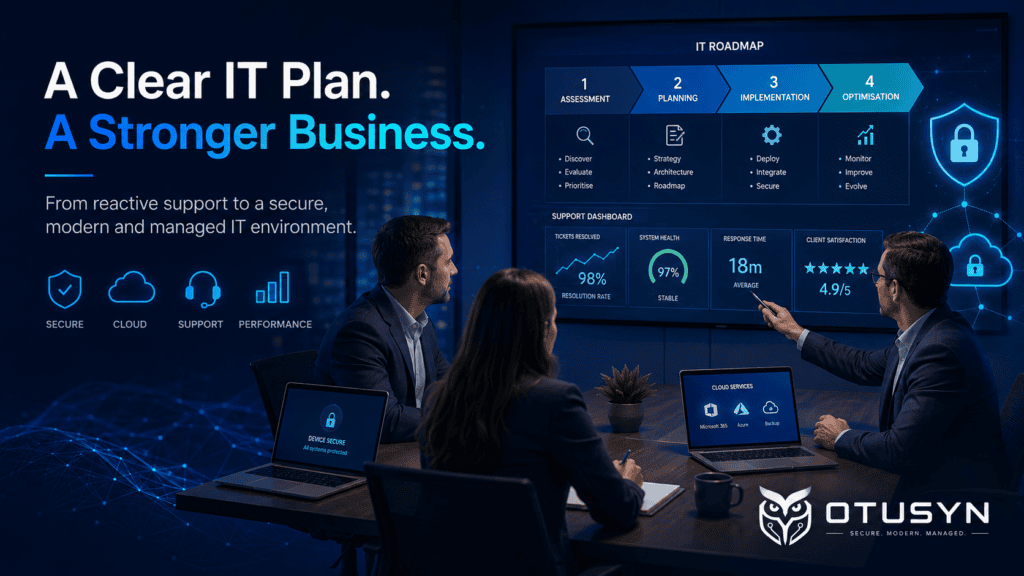
The important point is to move from informal and reactive support towards a model with clearer ownership, documented processes and regular review.
Make the Shift With Structure
If your current IT support model is reactive, informal or dependent on one person, it may be time to introduce a more structured approach.
Managed IT services can help your business improve support consistency, strengthen cybersecurity, reduce repeated issues and gain better visibility of its technology environment.
A scoped transition plan can help you understand your current setup, identify the highest priorities and build a support model that fits the needs of your organisation.
Explore OTUSYN’s Managed IT Service Packages to compare support options and begin planning a more secure, structured and manageable IT environment.
Frequently Asked Questions
What is the difference between ad hoc IT support and managed IT services?
Ad hoc IT support is usually reactive and focused on individual issues as they happen. Managed IT services provide a more structured approach with defined support routes, service ownership, monitoring, maintenance, reporting and regular reviews.
When should a small business consider managed IT services?
A small business should consider managed IT services when IT issues are becoming frequent, support requests are difficult to track, cybersecurity responsibilities are increasing or too much technology knowledge depends on one person.
Can managed IT services work alongside an internal IT employee?
Yes. This is often called co-managed IT. An external managed service provider can support day-to-day operations, specialist areas or additional capacity while internal IT staff remain involved in business priorities and technology decisions.
Do managed IT services include cybersecurity support?
Many managed IT services include cybersecurity basics such as patching, endpoint protection, identity management, multi-factor authentication support and security monitoring. The exact scope should always be clearly defined in the service agreement.
Are IT projects included in managed IT support?
Routine support is normally included, while larger projects such as migrations, office moves, laptop refreshes or major cybersecurity improvements are often scoped separately. This should be clearly explained before the service begins.